Back to apps
MarkNote icon
Productivity

MarkNote

A local-first Markdown editor that opens and saves files directly in local and Google Drive work folders.

This official KokomaSoft app page provides store links, privacy information, and support contact details in one place.

App screens

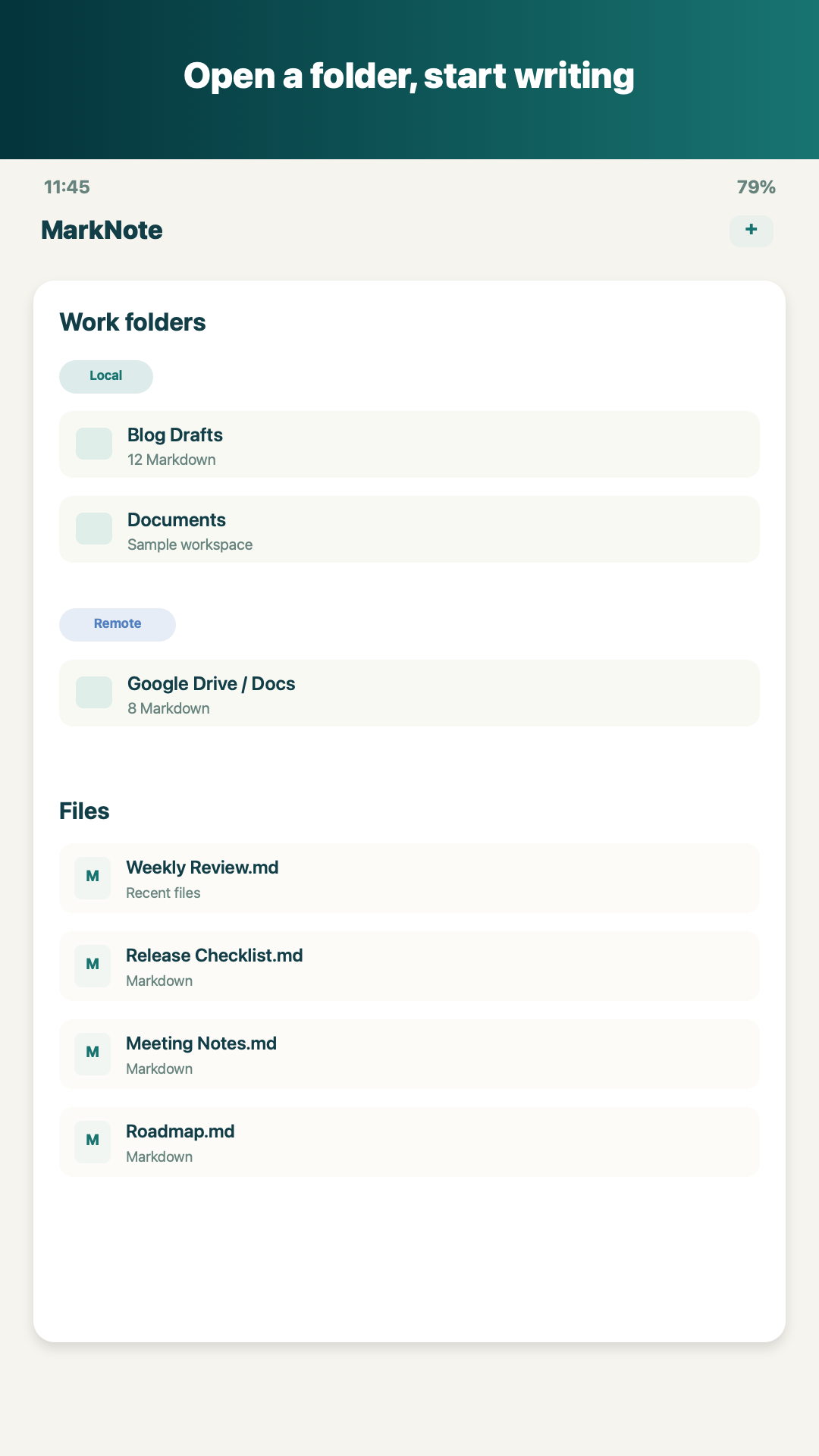
MarkNote - Work folders and recent files
Work folders and recent files
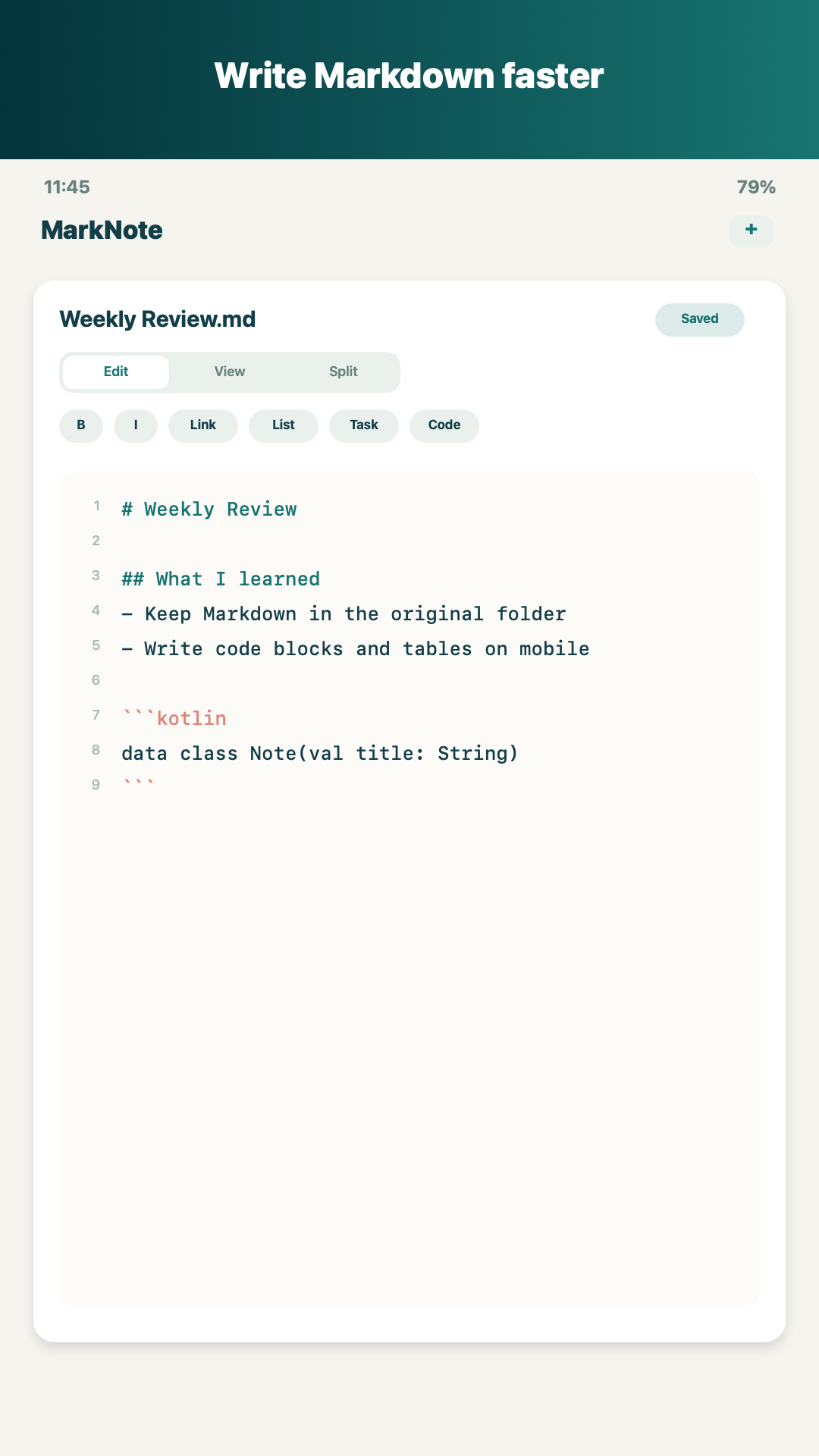
MarkNote - Markdown editor
Markdown editor
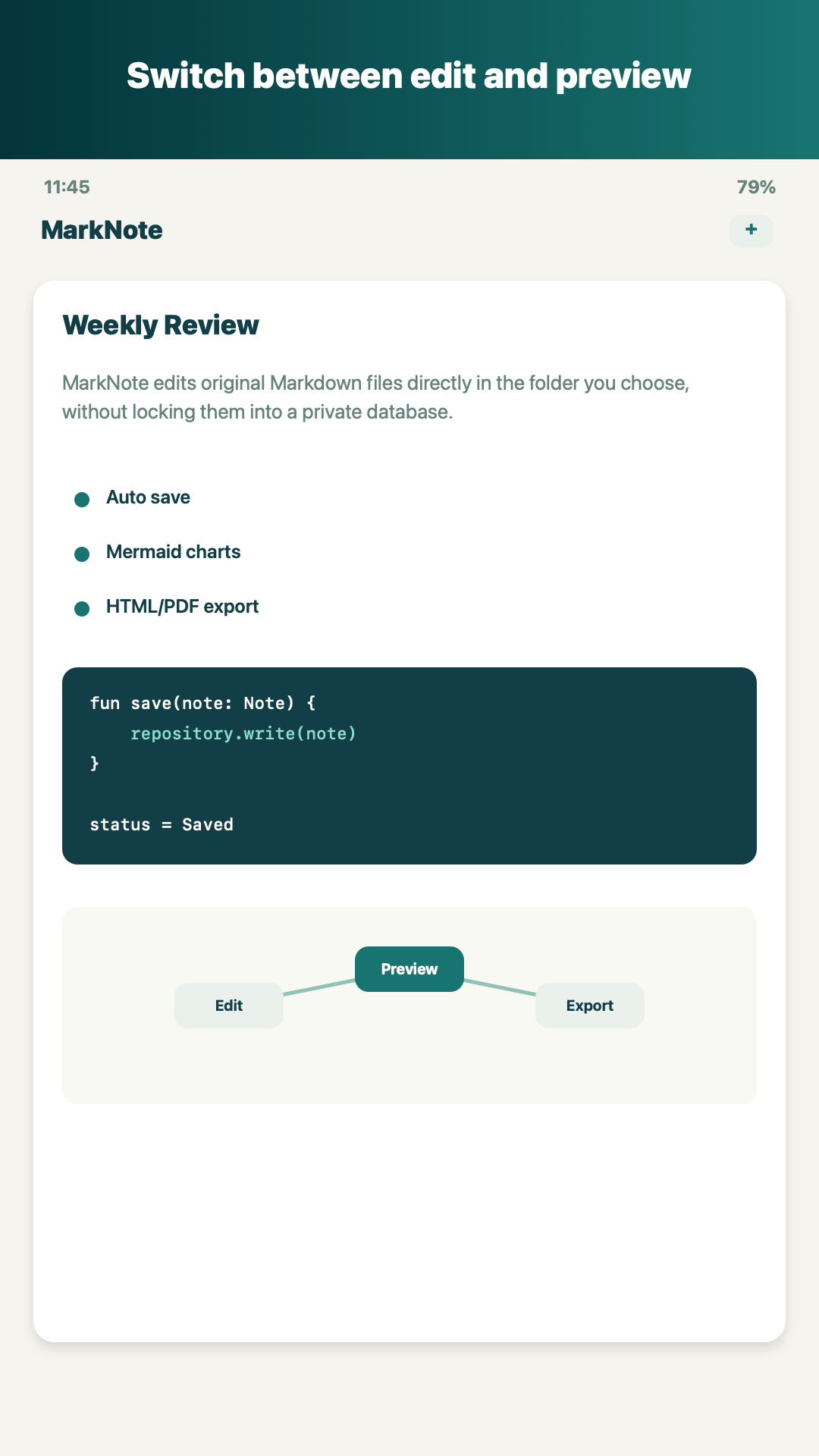
MarkNote - Document preview
Document preview
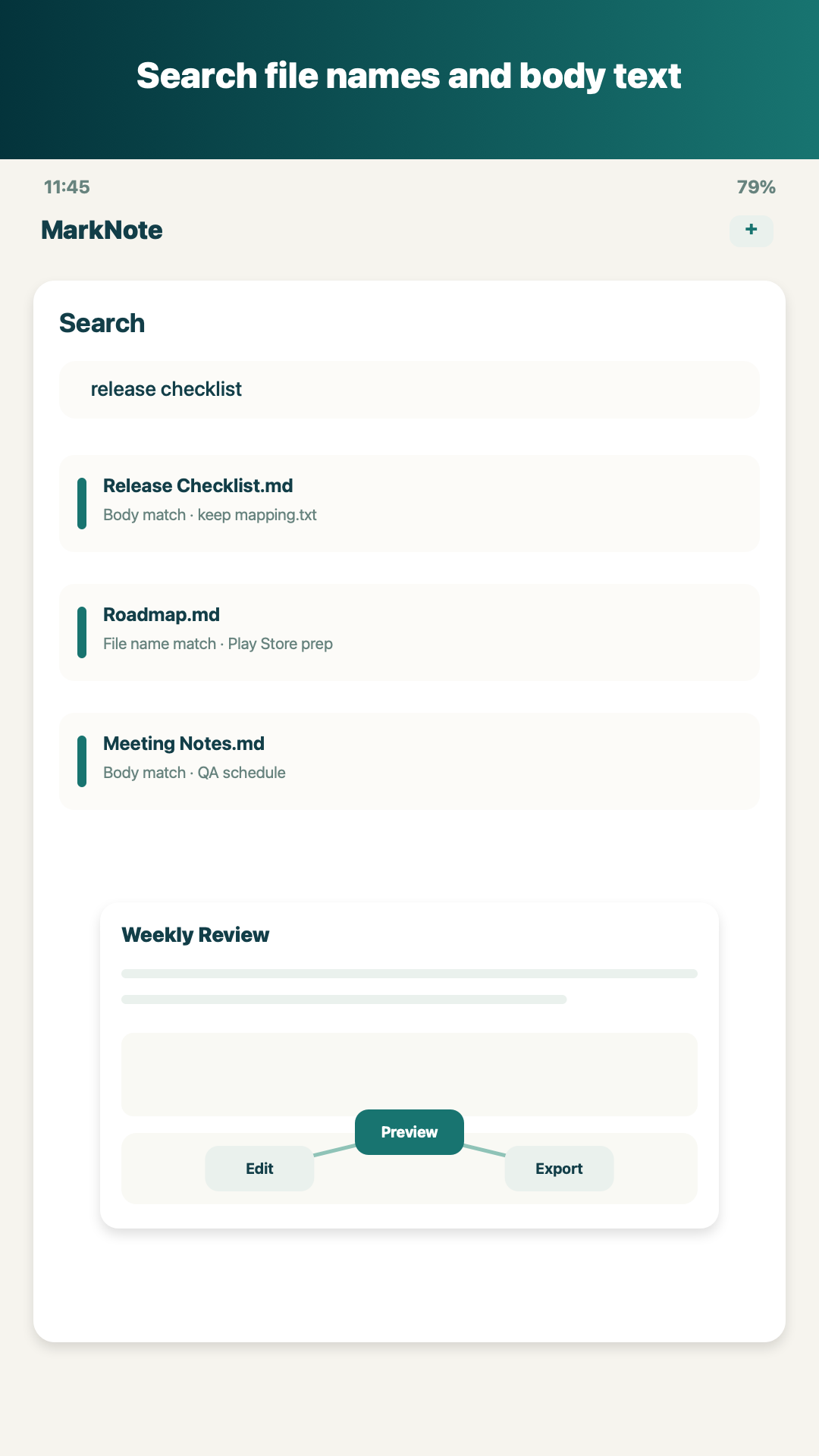
MarkNote - File and body search
File and body search
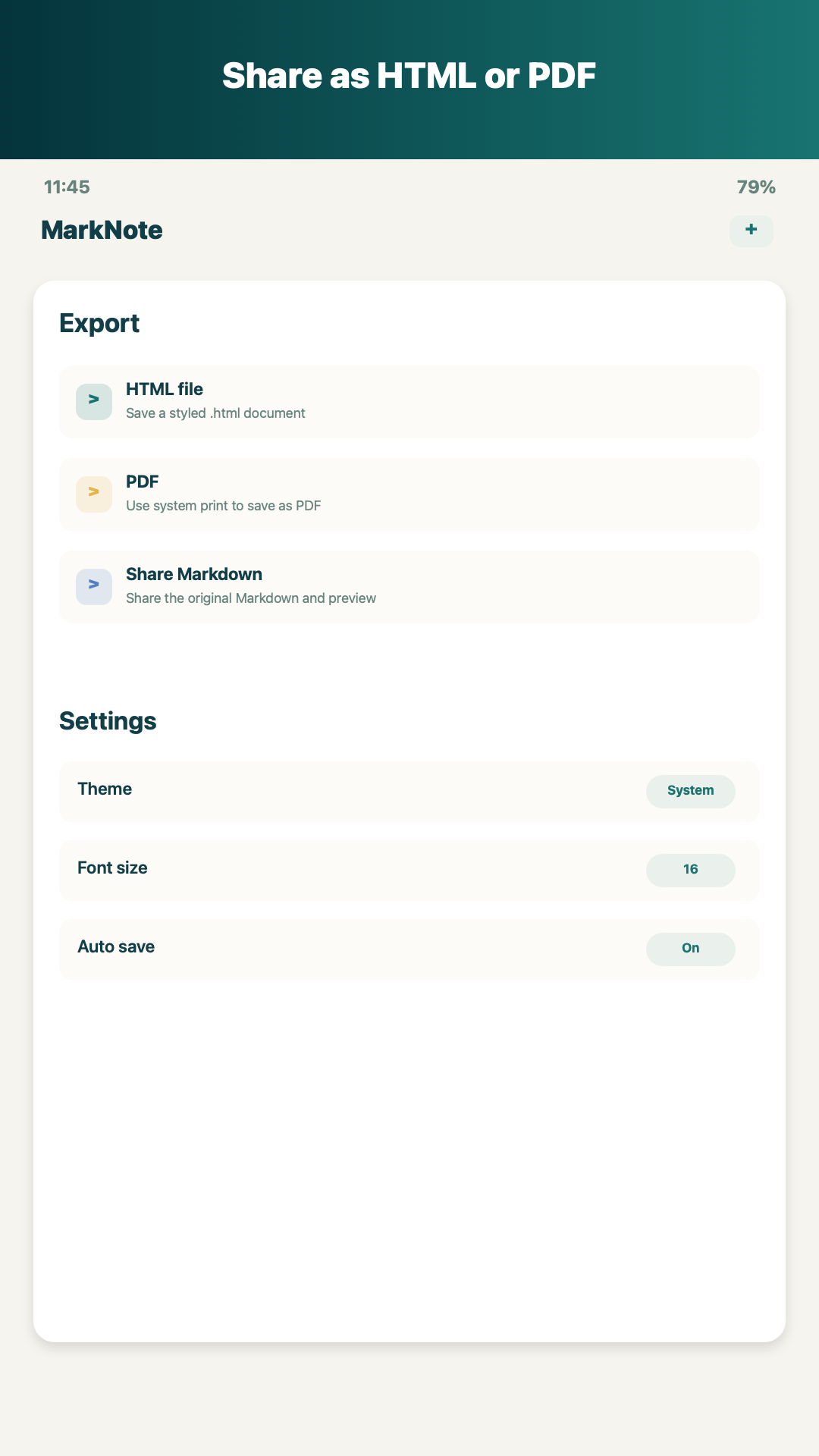
MarkNote - Export and settings
Export and settings

Key features

  • Edit original files directly in local and Google Drive work folders
  • Markdown toolbar for bold, links, images, tables, code blocks, and Mermaid charts
  • In-app preview plus HTML/PDF export
  • File name and body search with create, rename, move, copy, and delete actions
  • Auto save, temporary draft recovery, and external change conflict detection

Recommended for

  • People who keep Markdown documents in Syncthing, Google Drive, Dropbox, or file manager folders
  • Developers, writers, and note takers drafting technical notes, blog posts, meeting notes, checklists, or AI prompts on mobile
  • Users who want a focused editor without a required app cloud or proprietary account

Information before installing

Official downloads

Find each app on Google Play, the App Store, or its official web app link.

Clear use cases

Review key features and recommended workflows before installing.

Policies and contact

Access privacy policies, account deletion guidance, and direct email support.

Support and privacy

MarkNote does not provide its own account system, app cloud sync, ads, or external analytics SDK. The Google Drive work folder feature uses Google authorization to read and save the Drive files you choose.